
6.8 KiB





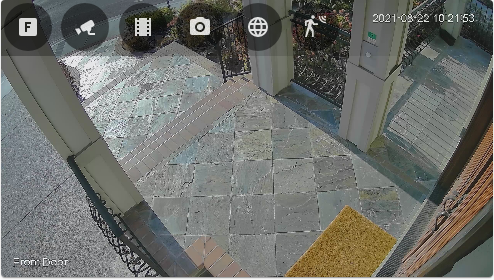
Frigate Lovelace Card
A full-featured Frigate Lovelace card:
- Live viewing.
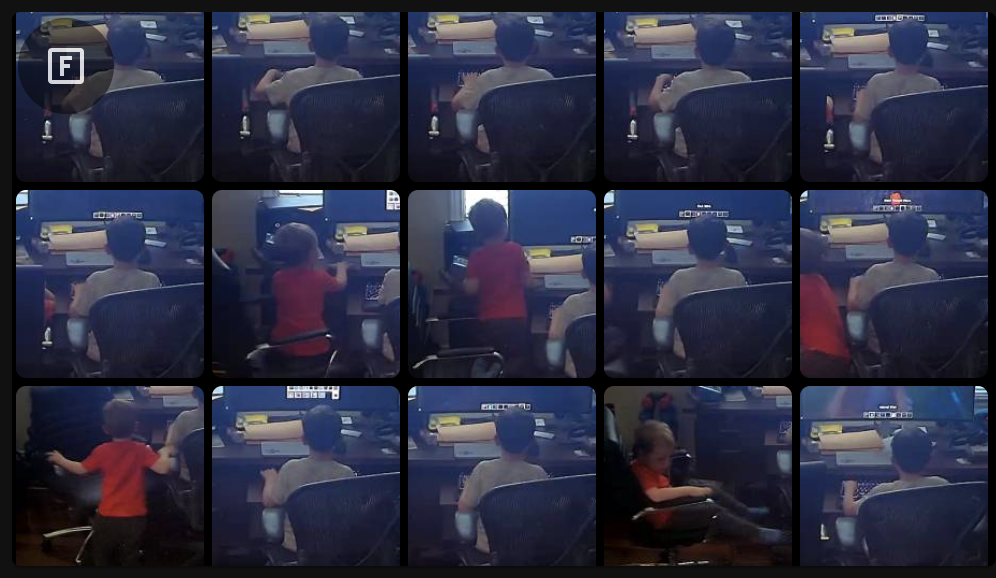
- Clips and snapshot browsing via mini-gallery.
- Automatic updating to continually show latest clip / snapshot.
- Support for filtering events by zone and label.
- Motion sensor access.
- Full Lovelace editing support.
- Advanced: Support for WebRTC live viewing.
Installation
- Add the custom repository:
Home Assistant > HACS > Integrations > [...] > Custom Repositories
| Key | Value |
|---|---|
| Repository URL | https://github.com/dermotduffy/frigate-hass-card |
| Category | Lovelace / Plugin |
- Use HACS to install the card:
Home Assistant > HACS > Integrations > "Explore & Add Integrations" > Frigate Card
- Add the following to your
configuration.yaml:
lovelace:
  resources:
    - url: /hacsfiles/frigate-hass-card/frigate-hass-card.js
      type: module
- Restart Home Assistant.
- Add your new card to your Lovelace configuration!
Options
Required
| Option | Description |
|---|---|
camera_entity |
The Frigate camera entity to show by default on the card. |
frigate_url |
The URL of the frigate server. Must be manually specified, as the URL from the underlying device is not available to Lovelace cards. |
Optional
| Option | Description |
|---|---|
motion_entity |
A binary sensor to show in the menu (e.g. a Frigate motion binary sensor) and to use to trigger card updates. |
frigate_camera_name |
By default, the Frigate camera name is assumed to be the string after the camera. in the entity name. This parameter allows that heuristic to be overriden for cases where the entity name does not cleanly map to the Frigate camera name. |
view_default |
The view to show by default. See views below. |
view_timeout |
A numbers of seconds of inactivity after which the card will reset to the default configured view. Inactivity is defined as lack of interaction with the Frigate menu. |
autoplay_clip |
Whether or not to autoplay clips in the 'clip' view. Clips manually chosen in the clips gallery will still autoplay. |
Advanced
| Option | Description |
|---|---|
label |
A label used to filter events (clips & snapshots), e.g. 'person'. |
zone |
A zone used to filter events (clips & snapshots), e.g. 'front_door'. |
WebRTC Options
WebRTC support allows the use of the ultra-realtime WebRTC live view along with the event browsing of Frigate. A perfect combination!
Note: WebRTC must be installed and configured separately (see details).
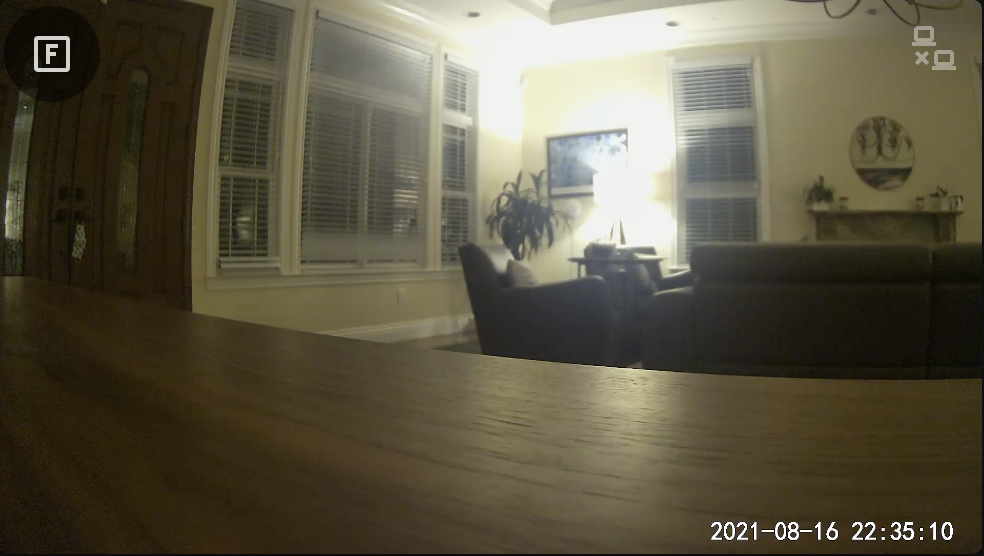
| Option | Description |
|---|---|
live_provider |
Whether frigate or webrtc should provide the live camera view. |
webrtc.entity |
The RTSP entity to use with WebRTC. |
webrtc.* |
Any other options in a webrtc: YAML dictionary are silently passed through to WebRTC. See WebRTC Configuration for full details this external card provides. |
Views
| Key | Description |
|---|---|
live |
Shows the live camera view, either the name Frigate view or WebRTC if configured. |
snapshots |
Shows the snapshot gallery for this camera/zone/label. |
snapshot |
Shows the most recent snapshot for this camera/zone/label. |
clips |
Shows the clip gallery for this camera/zone/label. |
clip |
Shows the most recent clip for this camera/zone/label. |
For the clip or snapshot view, the most recent clip/snapshot is rendered. This will automatically update whenever the state of the camera_entity or motion_entity changes. In particular, if the desire is to have a live view of the most recent event, you should configure motion_entity to a Frigate binary sensor associated with that camera in order to trigger updates more regularly (the underlying camera entity state does not change often, the motion binary sensors do).
Example YAML Configuration
A configuration that uses WebRTC for live:
- type: 'custom:frigate-card'
  camera_entity: camera.front_door
  frigate_url: http://frigate
  motion_entity: binary_sensor.front_door_person_motion
  live_provider: webrtc
  webrtc:
    entity: camera.front_door_rtsp
A configuration that shows the latest clip on load, but does not automatically play it:
- type: 'custom:frigate-card'
  camera_entity: camera.front_door
  frigate_url: http://frigate
  motion_entity: binary_sensor.front_door_person_motion
  view_default: clip
  autoplay_clip: false
Screenshot: Snapshot / Clip Gallery
Full viewing of clips
Card Editing
This card supports full editing via the Lovelace card editor. Additional arbitrary configuration for WebRTC may be specified in YAML mode.
